
Selling something
Set up in five minutes. Accept cards forever. Stop chasing flakes.
Snap a photo — we draft the listing
Open yesavailable.link on your phone and pick a photo. We read the photo and draft the title, description, and a fair used-market price in about 30 seconds. You get a preview with the exact URL buyers will see, a scan-to-buy image (product + QR + price baked into one photo) for Facebook Marketplace, and paste-ready titles + descriptions tuned per platform. Nothing is published until you verify your phone in the next step.
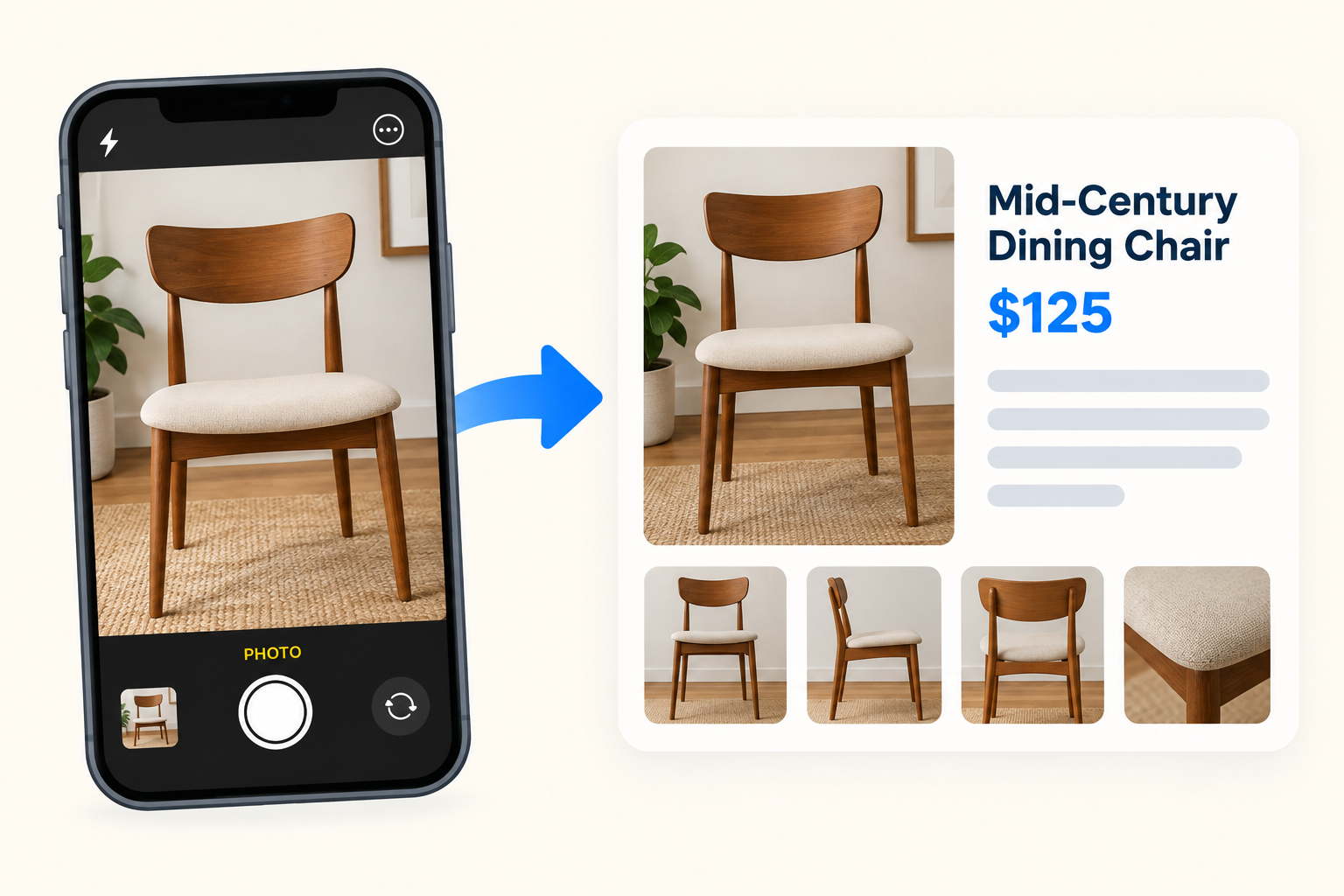
Have a pile of items? There's a 'Batch upload' link on the homepage for uploading up to 20 photos at once — we'll draft each into its own listing and let you review them all together before publishing.
Verify your phone to publish
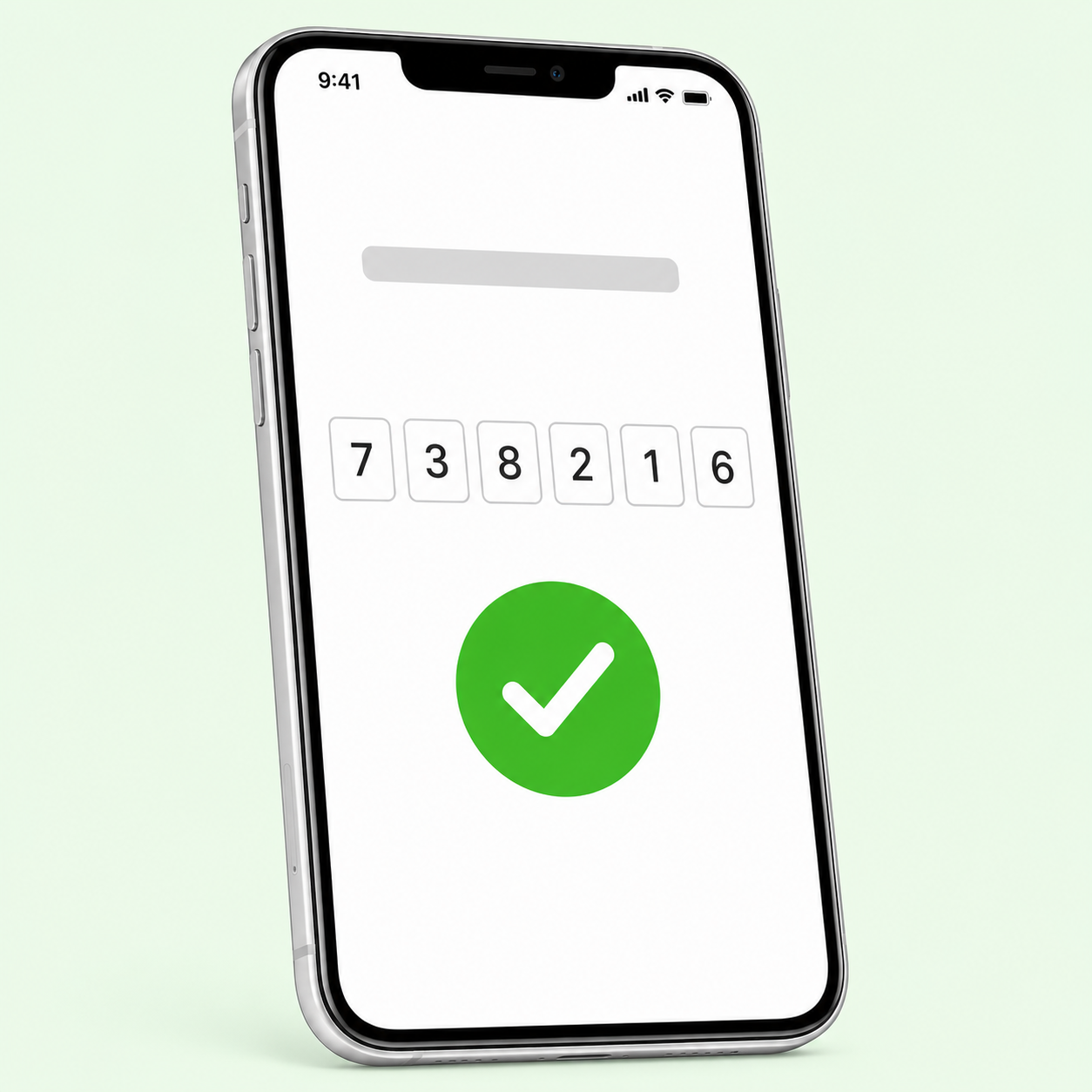
One text with a 6-digit code — about 15 seconds. Your listing goes live at yesavailable.link/i/[slug], and if you batch-uploaded, all of them go live under one sale URL. Optional: connect Stripe after verify (about 5 min: name, address, bank, last 4 of SSN) so buyers can Buy Now with a card. Skip Stripe and you can still take reservations — buyers commit before you share your address, then pay cash / Venmo / PayPal at pickup.
Set a neighborhood on your listing (e.g. 'Novato, CA' or 'Providence East Side'). Buyers see that publicly so they can plan for traffic. The pickup address stays private until a buyer commits, then it's texted to them about 2 hours before their picked pickup window, or the moment their card clears.
Got a bunch? Camera Roll (batch)
Doing a real garage sale or clearing a room? Tap 📸 Camera Roll on your sale page, snap every item in one pass, upload the batch, and we'll draft every listing at once. Have multiple photos of the same item (front, back, close-up)? Tap ✓ on the cards that are the same item, then Combine — they merge into one listing with all the photos.
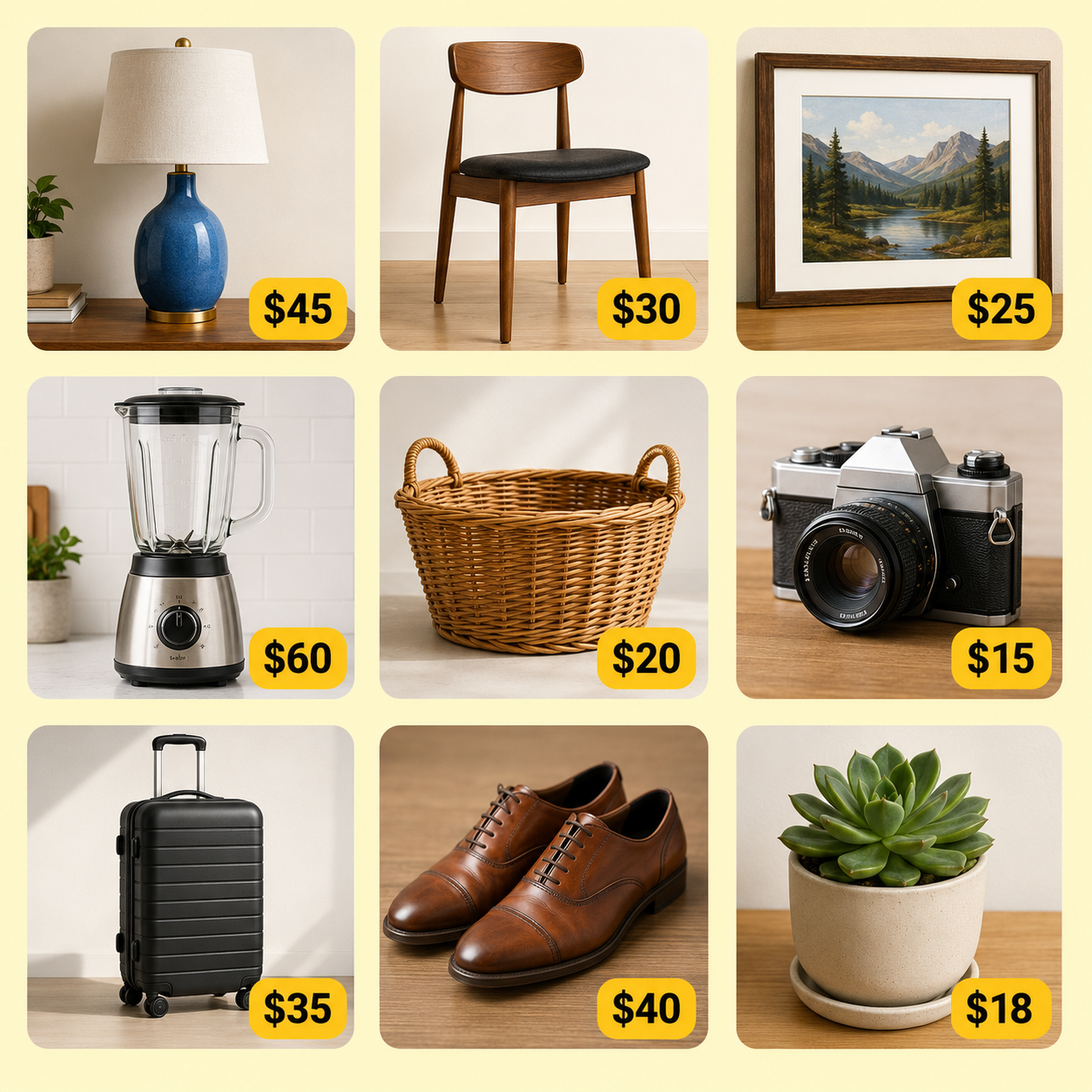
Skip this if you're posting one thing. It's the shortcut for sellers with 10, 20, 50 items to move.
Share it where buyers already are
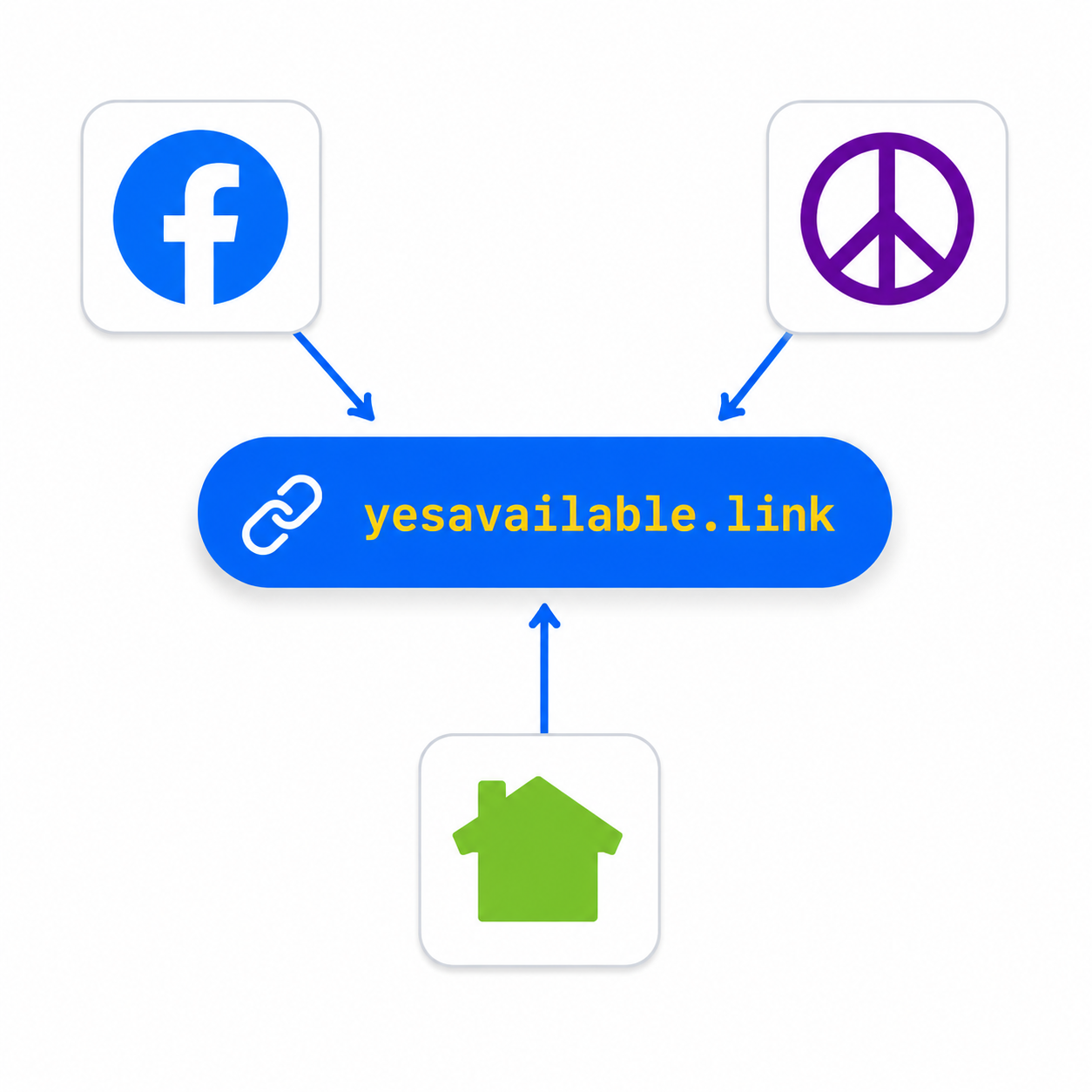
Text, iMessage, WhatsApp, email, your own social: drop the link. Post your real item on Facebook Marketplace, Craigslist, and Nextdoor the normal way — Available!™ gives you titles + descriptions tuned per platform. Craigslist and Nextdoor prohibit external URLs in listing bodies, so on those the link goes in your reply when a buyer contacts you, not in the ad itself. For Facebook Marketplace, upload the scan-to-buy image as photo #2 or #3 in your listing (keep your best natural product shot as photo #1 — Facebook buyers trust that thumbnail first).
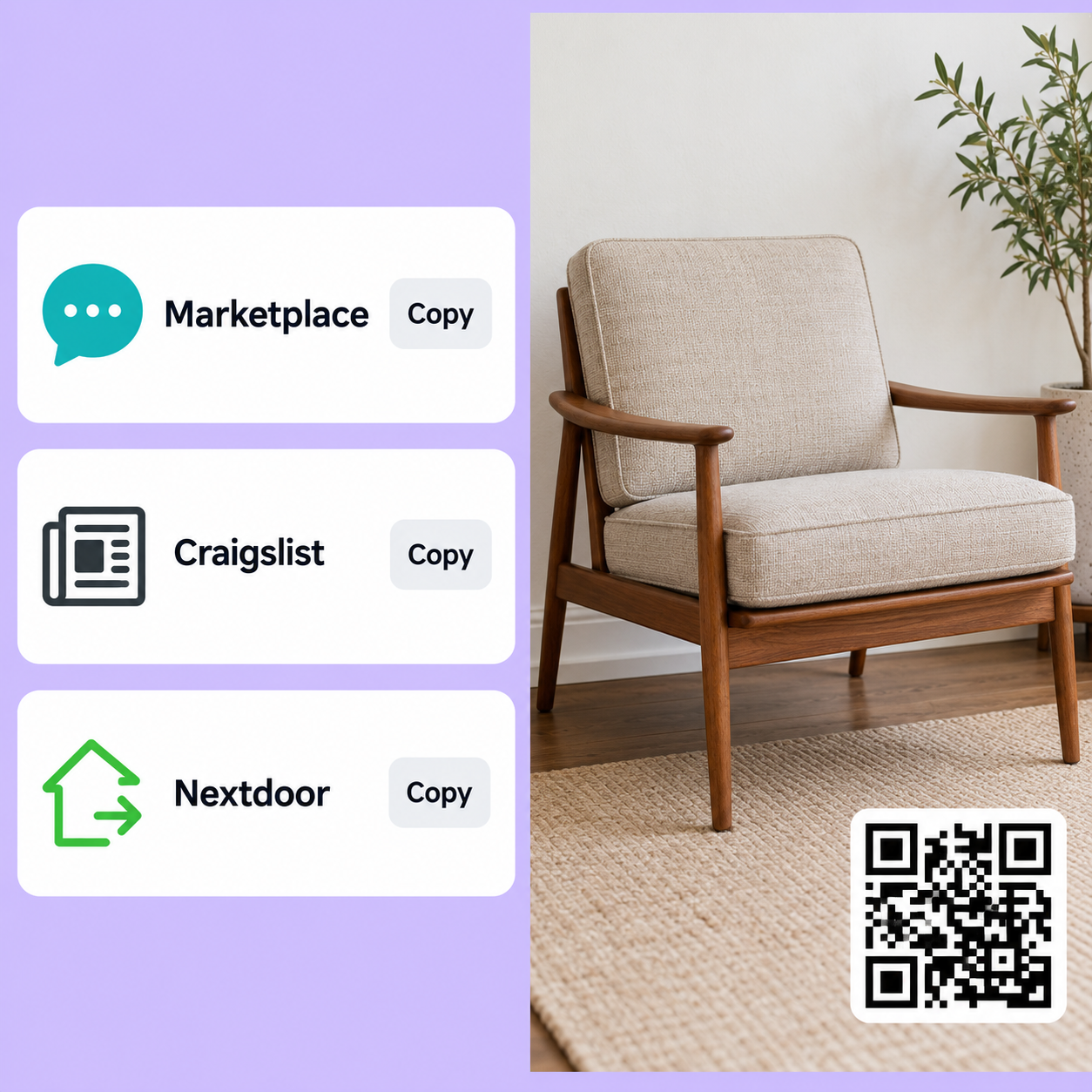
When buyers reach out, answer their question first — 'Yes, still available. If you're interested, I'll send you a link so you can grab it.' — then share your yesavailable.link on the follow-up. Real commitment on both sides, no back-and-forth about Venmo or when to meet.
Buyers can text you (your phone stays private)
When a buyer reserves or has a question, they text through Available!™'s number. Your message lands in your admin thread and fires you an SMS. Reply from the app or reply from your own Messages app — two-way routing keeps everything in one thread. Your personal phone is never shown to buyers by default; you can opt into sharing it via Settings if you want direct contact.
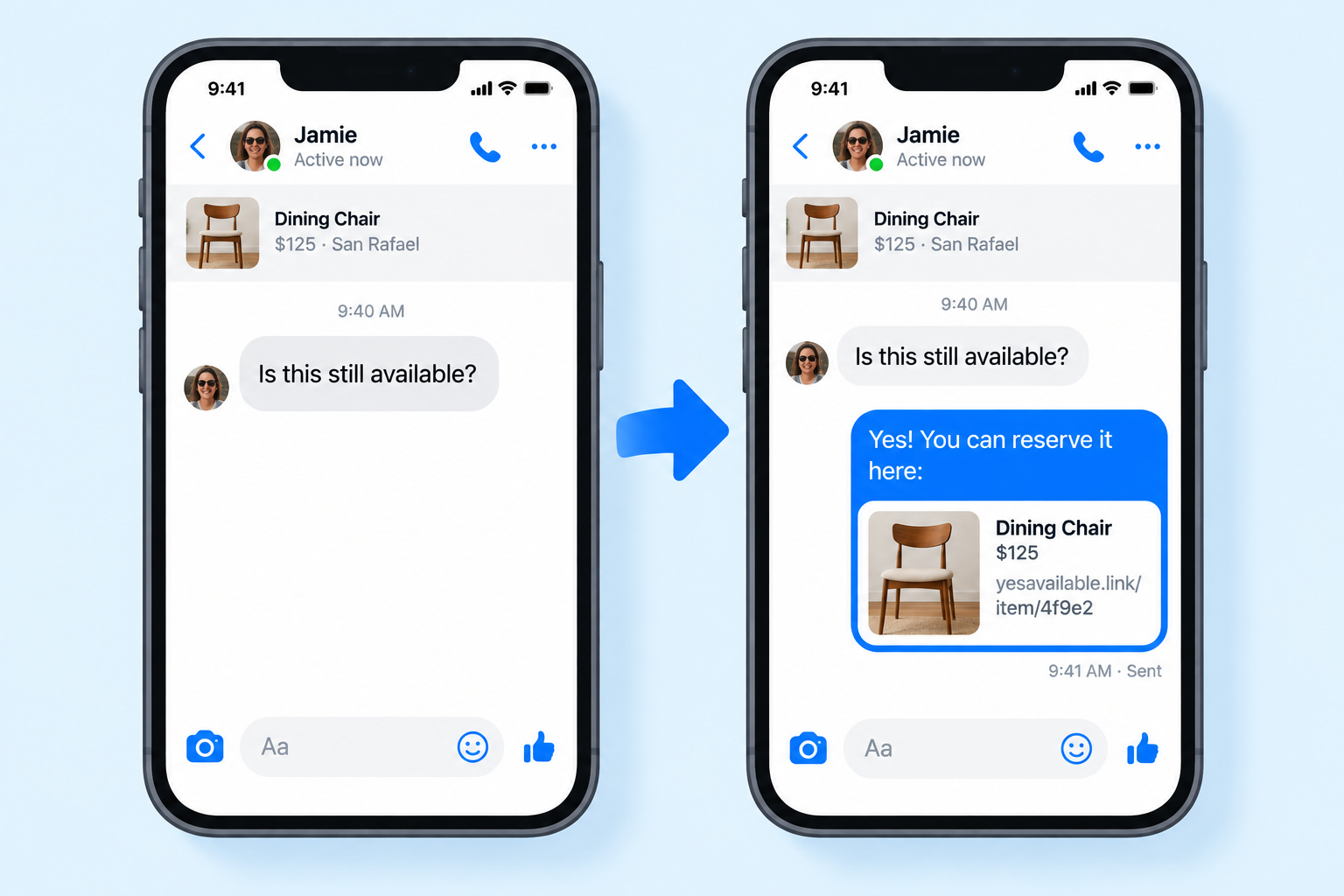
This is the answer to 'can they text me? can I text back?' — yes to both, no phone number sharing. Every conversation with every buyer stays in one place.
You get a text when it sells
The moment a buyer taps Buy Now (their card clears) or reserves a pickup window, we text you. Includes the item, the buyer's name, the pickup window they picked, and a one-tap link back to the thread. Same phone-stays-private routing as the two-way messaging — you never share your number, and neither does the buyer.
![iPhone SMS: "You just sold [item] to [buyer] · $[price]" with pickup window + buyer chip](/watch/scenes/sms-sold.png)
Card sales are already paid at that point. Reservations are held for the pickup window (+2h grace); the buyer's card-on-file for Buy Now, or a phone-verified commit for cash / Venmo / PayPal at pickup.
Print for garage sale day (optional)
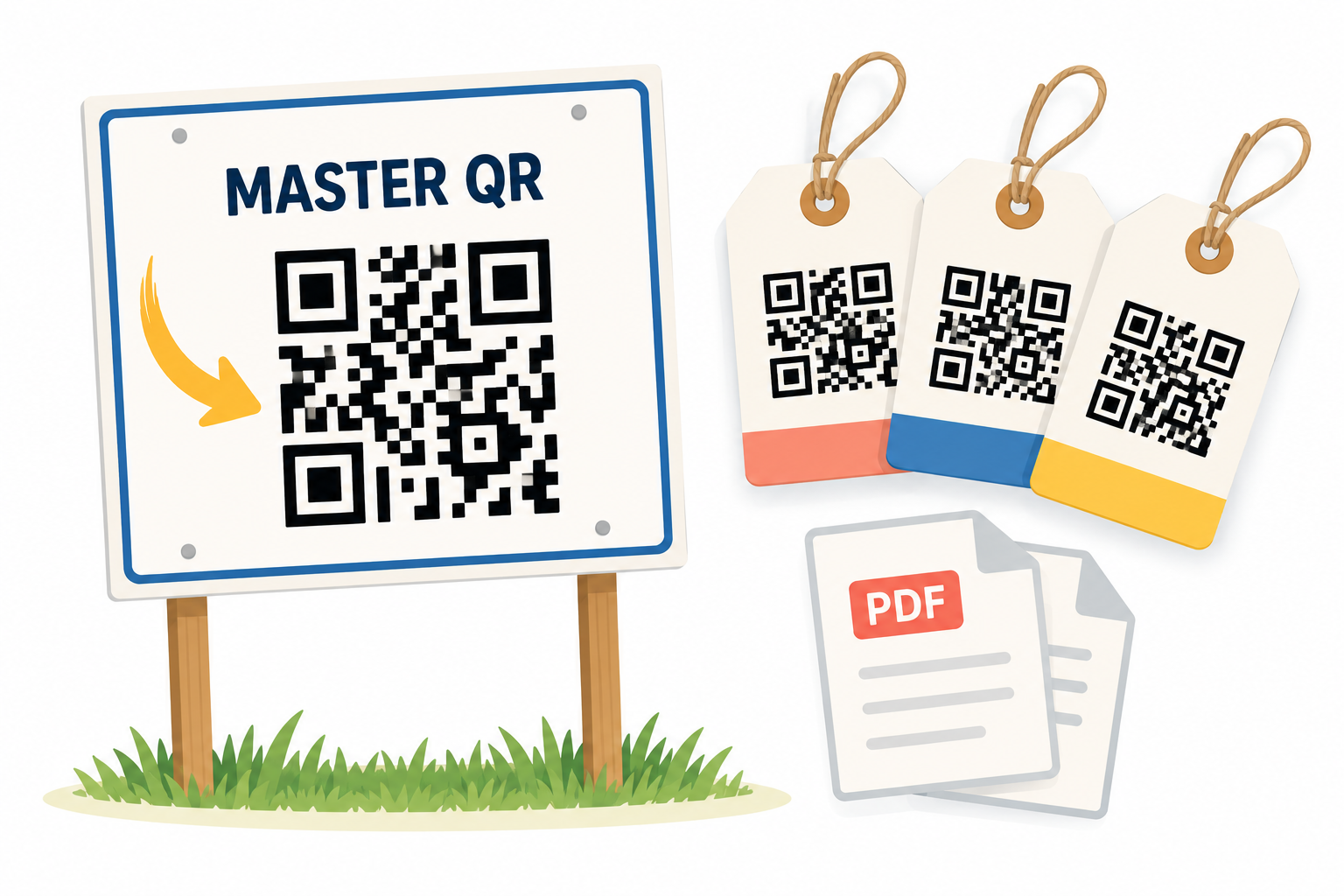
Download a yard sign PDF (18×24″) and per-item hangtag PDFs (4×6″) generated from your sale content. Print at home, UPS Store, Kinko's, or a real printer. Passers-by scan the QR and reserve on the spot.
Watch what's working
Every item page tracks views, so you can see which listings are getting attention and where visitors are coming from (Facebook Marketplace, Craigslist, Nextdoor, QR scans, direct links). Your sale page shows a weekly rollup and each item has its own analytics page with a 24h/7d/all-time breakdown.
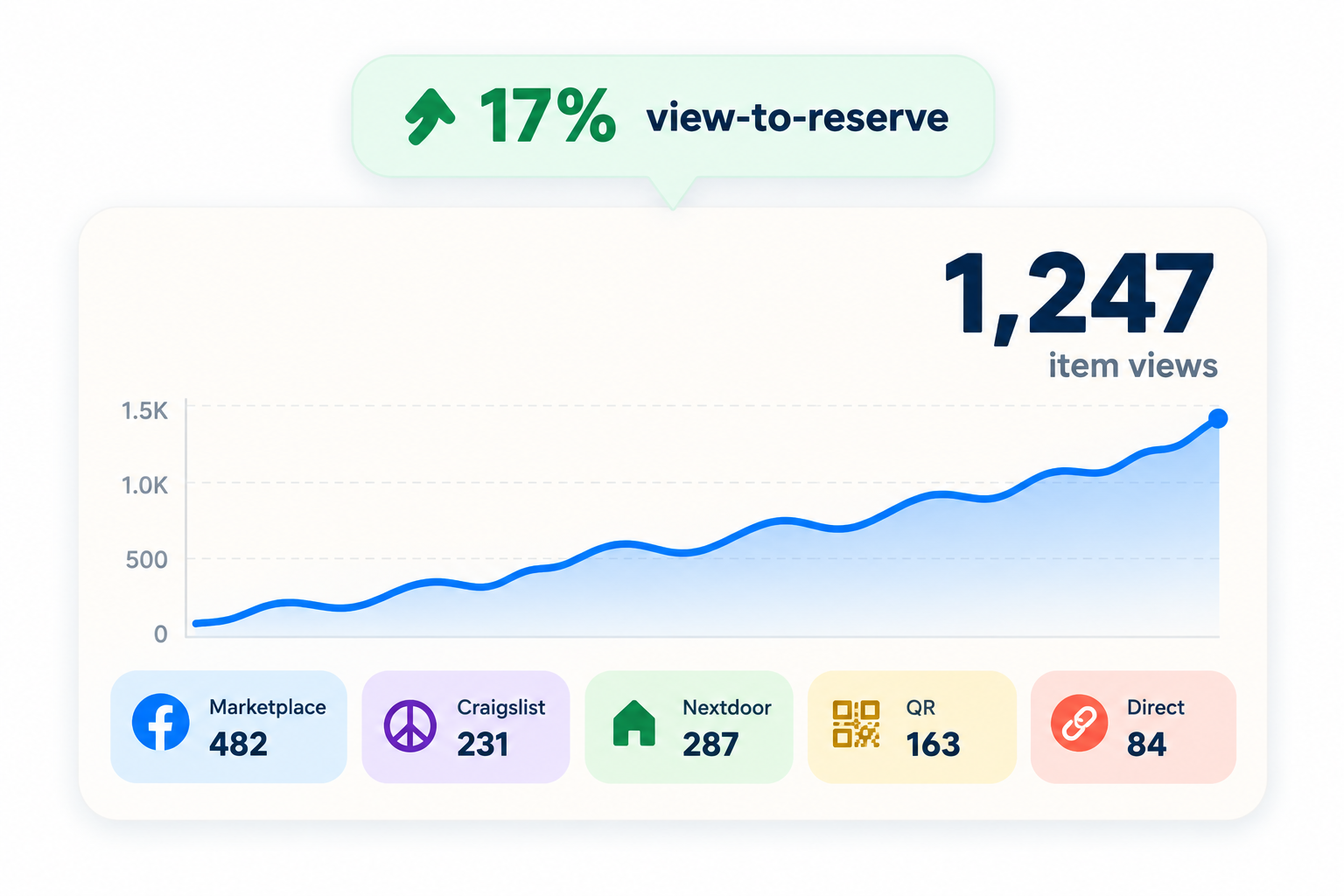
Use it to spot which listings are underperforming (bad photo? wrong price?) or which channel is actually driving buyers so you can double down.
Where buyers actually find your listing
Available!™ doesn’t bring buyers to you. You put your link where buyers already scroll. Here’s exactly how, per platform.
Scan-to-buy image as photo #2 or #3
- Already have this item on Marketplace? Open the existing listing → Edit → Add photo → pick the scan-to-buy image from your camera roll → Save. Do NOT create a duplicate listing. (This is the most common case — most sellers already have Facebook Marketplace posts.)
- Brand new item? Create the listing on Marketplace like you normally would (title, price, photos, description).
- Upload your best natural product photo as photo #1 — that's the FBM thumbnail everyone sees before they tap in, and buyers trust it more than a designed one.
- Add the scan-to-buy image Available!™ generates for you as photo #2 or #3. It’s your product photo with a small QR overlay and price card — a way for interested buyers to reserve without a back-and-forth DM.
- When a buyer DMs, answer their question first (“Yes, still available. If you’re interested, I’ll send you a link so you can grab it.”). After they respond, share your yesavailable.link on the follow-up. Available!™ generates both messages for you.
Live example
Link in the reply, not the ad
- Post to /for-sale/ like normal. Available!™ generates a paste-ready title + body, no external URL — Craigslist prohibits ecommerce/signpost links in listing bodies.
- When a buyer emails you through Craigslist’s mail relay, answer their question first, then paste your yesavailable.link on the follow-up. The Available!™ cheat sheet gives you the reply text ready to copy.
- Craigslist buyers with only a card can actually buy now instead of asking you to accept Venmo or meet at an ATM.
- Serious buyers commit; you know they’re actually coming.
Link in the reply, not the post
- Post the item in your neighborhood’s For Sale & Free section. Available!™ generates a paste-ready description without the URL — Nextdoor prohibits links to other classified sites in FSF posts.
- When a neighbor messages you privately, answer their question first, then paste your yesavailable.link on the follow-up. Available!™ gives you the reply text ready to copy.
- Neighbors get card checkout, not just Venmo. Nextdoor trust + Available!™ commitment means fewer no-shows.
- You keep it in the neighborhood, so pickups are five minutes away.
Just paste the link
- Selling something to friends, coworkers, or a neighborhood WhatsApp group? Paste the yesavailable.link into the thread.
- The link previews as a product card (photo + price + Reserve CTA) automatically.
- Even inside a private group, buyers still commit through the same system. You get a phone-verified reservation and a real pickup window.
Live OG preview
QR price tags on every item
- Print the hangtag PDFs Available!™ generates for each of your items. Each tag has the item name, price, and a QR that goes to /i/{itemId}.
- Passers-by scan the tag with their phone and pay by card on the spot. No cash box, no "let me run to the ATM".
- The yard sign PDF sits at the curb with the sale’s master QR so drive-bys can browse everything from their car.
No listing fee. Card sales: 5% to Available!™ + 2% buyer fee on top, both shown before checkout, plus standard Stripe processing (currently 2.9% + $0.30). Cash / Venmo / PayPal at pickup never touches Available!™, so nothing to charge. Full breakdown at /fees.
Buying something
Three steps. No account. No app.
Tap the link or scan the QR
If the seller sent you a link (in an iMessage / WhatsApp thread, or in a reply to your Craigslist mail-relay email or Nextdoor private message), tap it. If they baked a QR into their FB Marketplace listing photo, point your phone camera at it. Either way you land on the item page.
Commit to it
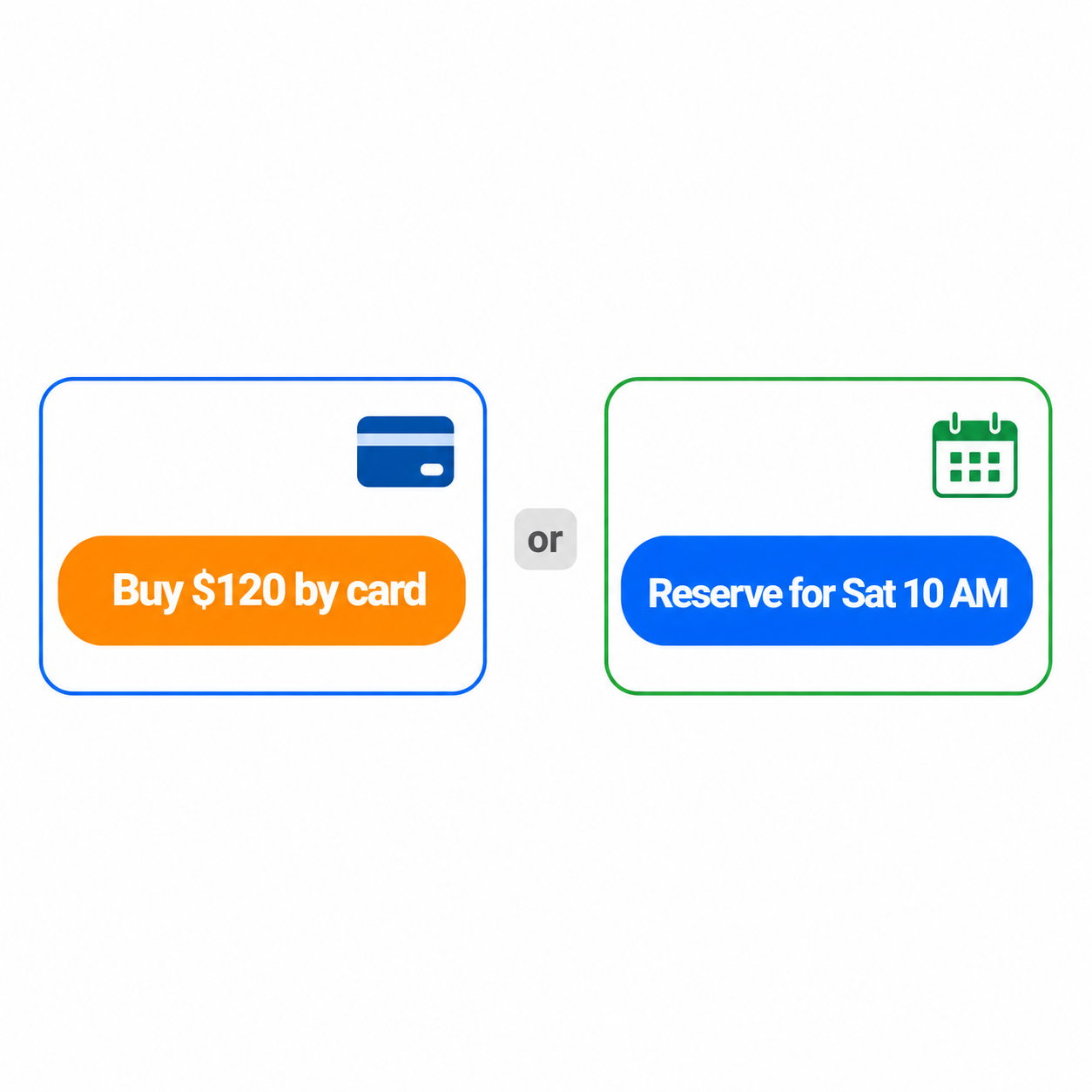
On items that support both paths, you'll see two buttons: Buy Now and Reserve for pickup. Tap either one to open its form — never both at once. Buy Now: pay by card (Apple Pay, Google Pay, any card). The item is locked in and the pickup address is texted the moment your card clears. Reserve for pickup: verify your phone by SMS, pick a pickup window, and pay the seller cash, Venmo, or PayPal when you arrive. Some items are pickup-only (no Buy Now), so a reservation is the only path in and can't be bumped. On items that allow both paths, a paid card purchase wins over a pending reservation; if you're bumped, we text you right away. No fee, no penalty. When one buyer reserves an item, other buyers see a 🔥 Someone reserved this banner — the ones who really want it can Buy Now instead of waiting.
Card payments run through Stripe. The seller never sees your card number, and Available!™ doesn't either — Stripe handles it end to end. That means you get the same dispute + refund rights Stripe gives any card buyer: if the item doesn't match, the seller doesn't show, or the item was misrepresented, you can dispute the charge and get your money back.
Show up and pick it up
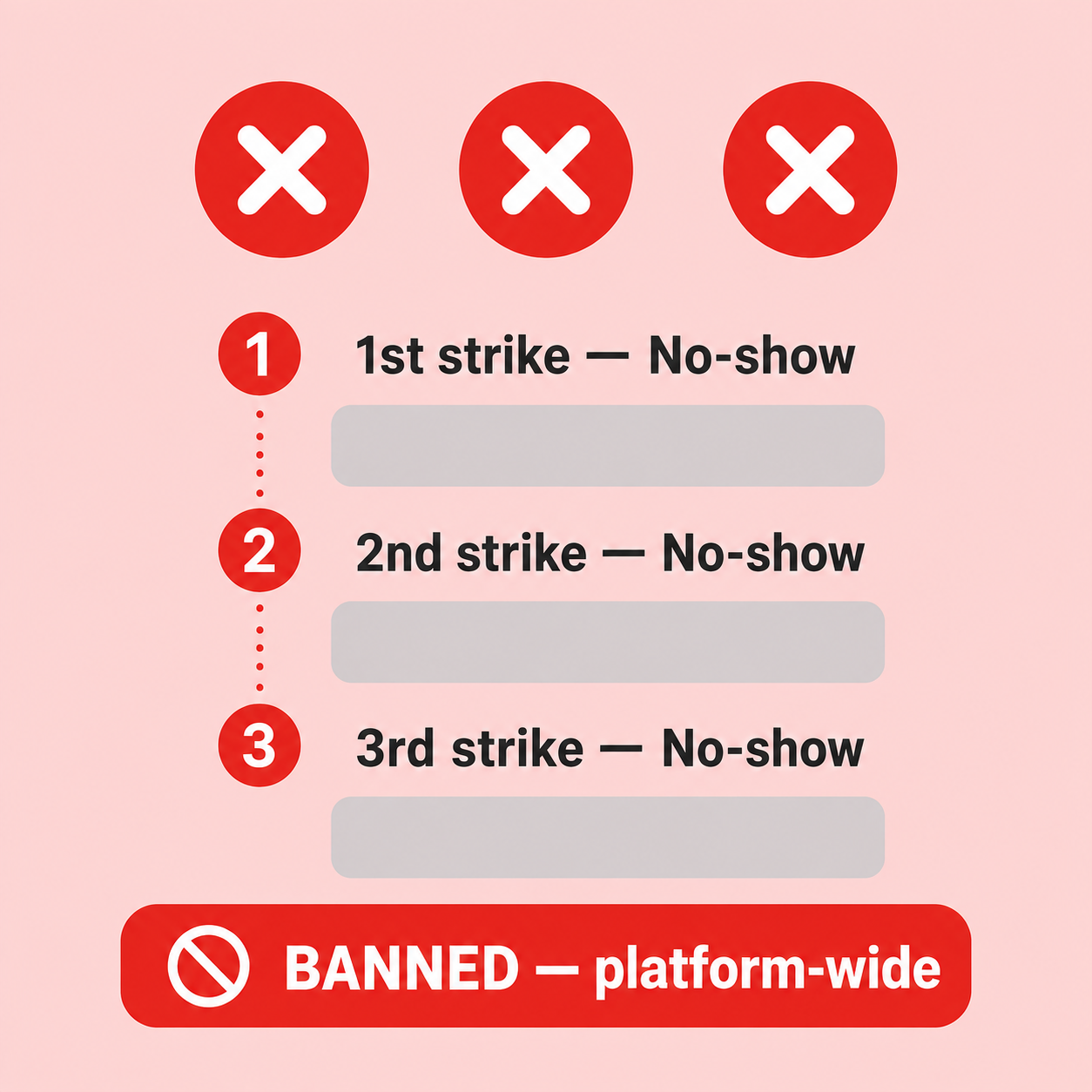
You'll see the neighborhood publicly so you can plan for traffic. The exact address is texted about 2 hours before your pickup window, or the moment your card clears. Head over, and if you haven't paid yet, hand the seller cash or send Venmo / PayPal on the spot. Repeat no-shows can't reserve again.
Every item page has a “Report this listing” link in the footer. Flag anything that looks like a scam, prohibited item, or misleading listing and Available!™ moderators review within 48 hours. Clear violations (adult content, weapons, illegal goods, hate content) usually go down within hours.
30 seconds to your first listing.
Beta pricing: 0% platform fees. Free forever to try. No credit card required to sign up.